

TL;DR
Select the exact Mac model and macOS version to compare compatibility in the article’s checker.
- The checker compares models with Apple’s listed requirements for macOS 27 through Big Sur 11.
- Compatibility can depend on the exact configuration, so verify the result against Apple’s release page.
Compatible macOS versions:
Compatible Mac models:
The checker compares selected Mac models with Apple’s compatibility lists for macOS 27, Tahoe 26, Sequoia 15, Sonoma 14, Ventura 13, Monterey 12, and Big Sur 11.
Compatibility was checked on October 17, 2026 against Apple’s macOS 27 list, Tahoe list, Sequoia list, Sonoma list, Ventura list, Monterey list, and Big Sur list.
Match the model name and year shown in About This Mac to the checker’s choices. If your exact configuration is not listed, use Apple’s linked compatibility page before planning an upgrade.
The timeline below covers major macOS releases from 2001 through 2026. The checker compares selected models for macOS 27 through Big Sur 11; older sections provide historical requirements.
Need the model lists for a particular release? See our macOS system requirements by version for supported Macs, memory and storage notes, and links to Apple’s requirements.
What macOS Can My Mac Run?
How We Check Our Guides We use Apple’s support documents and current developer instructions to check the steps. Screenshots and menu names can differ between versions, so follow the branch for your Mac. Read our editorial process.
Each major macOS release supports a specific set of Mac models. Use the checker for a quick comparison, then follow the release-specific model list below for details.
Operating-system compatibility and individual feature requirements are separate. A supported Mac may still lack a feature that needs different hardware, an account, or a supported language or region.
macOS 27 Golden Gate compatibility by Mac family
Apple’s macOS 27 compatibility list includes the following Mac families and configurations:
| Mac family | Models Apple lists for macOS 27 |
|---|---|
| MacBook Pro | 13-inch M1 (2020); 13-inch M2 (2022); 14-inch (2021, 2023, 2024, M5, and M5 Pro or M5 Max); 16-inch (2021, 2023, 2024, and M5 Pro or M5 Max) |
| MacBook Air | 13-inch and 15-inch M5; 13-inch and 15-inch M4 (2025); 13-inch and 15-inch M3 (2024); 15-inch M2 (2023); M2 (2022); M1 (2020) |
| MacBook Neo | 13-inch, A18 Pro |
| iMac | 24-inch models from 2021 (M1), 2023, and 2024; Apple lists two-port and four-port versions where applicable |
| Mac mini | M1 (2020), 2023, 2024, and M6 or M5 Pro |
| Mac Studio | 2022, 2023, 2025, and M5 Max or M5 Ultra |
| Mac Pro | 2023 |
Apple’s macOS 27 list includes Apple silicon MacBook Pro models. The Tahoe 26 compatibility list also includes two Intel MacBook Pro configurations: the 16-inch (2019) and 13-inch (2020, four Thunderbolt 3 ports).
The checker matches Apple’s lists for both versions.
- macOS 27 Golden Gate (2026) is the latest major release in Apple’s current version list. macOS Tahoe 26 (2025) also remains available for the Intel Mac models Apple lists. Check the linked compatibility pages for exact models.
- macOS Sequoia 15 (2024) supports specific Mac models, including MacBook Air from 2020 and MacBook Pro from 2018. Check Apple’s model-by-model list because exceptions depend on the exact model and configuration.
- Mac models dating back to 2017 support macOS Sonoma (2023), including the 2017 iMac Pro, 2018 and later MacBook Pro, MacBook Air, and Mac mini, 2019 iMac and Mac Pro, and all Mac Studio models.
- Apple lists MacBook Pro models from 2017 for macOS Ventura 13 (2022), including the 13-inch two-port and four-port versions and the 15-inch model. The MacBook Air cutoff is 2018; check Apple’s exact list for other Mac families.
- macOS Monterey 12 (2021) supports MacBook Air models as far back as Early 2015 and MacBook Pro models as far back as Early 2015. The oldest supported year varies by Mac family and exact model.
- Mac models dating back to 2013, including certain MacBook Air, MacBook Pro, and iMac models, are also compatible with macOS Big Sur (2020).
To get the most up-to-date information about macOS versions, please refer to Apple’s official website.
Major macOS Releases from 2001 to 2026

This timeline lists major macOS releases. Apple’s current version list also shows the latest point update for each supported macOS release:
| Version | Codename | Release date or year |
|---|---|---|
| macOS 10.0 | Cheetah | March 24, 2001 |
| macOS 10.1 | Puma | September 25, 2001 |
| macOS 10.2 | Jaguar | August 24, 2002 |
| macOS 10.3 | Panther | October 24, 2003 |
| macOS 10.4 | Tiger | April 29, 2005 |
| macOS 10.5 | Leopard | October 26, 2007 |
| macOS 10.6 | Snow Leopard | August 28, 2009 |
| macOS 10.7 | Lion | July 20, 2011 |
| macOS 10.8 | Mountain Lion | July 25, 2012 |
| macOS 10.9 | Mavericks | October 22, 2013 |
| macOS 10.10 | Yosemite | October 16, 2014 |
| macOS 10.11 | El Capitan | September 30, 2015 |
| macOS 10.12 | Sierra | September 20, 2016 |
| macOS 10.13 | High Sierra | September 25, 2017 |
| macOS 10.14 | Mojave | September 24, 2018 |
| macOS 10.15 | Catalina | October 7, 2019 |
| macOS 11.0 | Big Sur | November 12, 2020 |
| macOS 12.0 | Monterey | October 25, 2021 |
| macOS 13.0 | Ventura | October 24, 2022 |
| macOS 14.0 | Sonoma | September 26, 2023 |
| macOS 15 | Sequoia | 2024 |
| macOS 26 | Tahoe | 2025 |
| macOS 27 | Golden Gate | 2026 |
Apple’s version list, checked October 17, 2026, gives macOS 27 Golden Gate as 27.0.1 and macOS Tahoe 26 as 26.7.1. Point updates can change, so check Apple’s current macOS version list for the latest numbers.
Let’s take a closer look at the evolution of this operating system in this macOS compatibility checker guide.
1. macOS 27 (Golden Gate) — 2026
Apple’s current version list identifies macOS 27 Golden Gate as the latest major release and lists version 27.0.1. Check Software Update for the version available to your Mac.
The official macOS 27 compatibility list covers supported Apple silicon models in the MacBook Pro, MacBook Air, MacBook Neo, iMac, Mac mini, Mac Studio, and Mac Pro families. Intel Macs aren’t on this list.
Use your exact model in the checker above rather than relying on the family name alone.
The older sections below provide historical compatibility information. A Mac may run an older release even after that release stops receiving security updates.
Check Apple’s security release information before choosing an older system for everyday use.
2. macOS 26 (Tahoe) — 2025

macOS Tahoe 26 is the 2025 major release. It supports selected Intel Macs as well as Apple silicon models. Use Apple’s Tahoe compatibility list to check your exact model.
The newer macOS 27 release has a different supported-model list.
List of Apple Computers Compatible with macOS Tahoe
Compatible Mac families (check the exact model in Apple’s Tahoe list):
- MacBook Air (Apple silicon, 2020 or later)
- MacBook Pro (Apple silicon, 2020 or later)
- iMac (2020 or later)
- Mac mini (2020 or later)
- Mac Studio (2022 or later)
- Mac Pro (2019 or later)
Additional compatible Intel MacBook Pro configurations:
- MacBook Pro (13-inch, 2020 Intel, 4-port model)
- MacBook Pro (16-inch, 2019 Intel)
3. macOS 15 (Sequoia) — 2024

macOS Sequoia 15 is the 2024 major release. Its features include iPhone Mirroring, window tiling, and the Passwords app. Individual features can have additional hardware, account, language, or region requirements.
Check the Sequoia compatible-model list before upgrading an older Mac.
The Sequoia compatibility list includes the Retina 13-inch MacBook Air from 2020, but not the 2018–2019 MacBook Air models. Features such as Apple Intelligence have additional requirements; OS compatibility does not mean every feature is available.
List of Apple Computers Compatible with macOS Sequoia
Compatible Mac families (feature availability is separate):
- MacBook Air (Retina, 13-inch, 2020; M1, 2020; and the later models listed by Apple)
- MacBook Pro (the 2018 and later configurations listed by Apple)
- iMac (2019 and later)
- Mac mini (2018 and later)
- Mac Studio (2022 or later)
- Mac Pro (2019 or later)
- iMac Pro (2017)
4. macOS 14 (Sonoma) — 2023

macOS 14 Sonoma, released on September 26, 2023, introduced desktop widgets, Presenter Overlay for improved video conferencing, Safari Profiles for separating browsing contexts, and a new Game Mode for optimized gaming performance.
List of Apple Computers Compatible with macOS Sonoma
- MacBook Air models (2018 or later)
- MacBook Pro models (2018 or later)
- Mac mini models (2018 or later)
- iMac models (2019 or later)
- iMac Pro (all models)
- Mac Pro models (2019 or later)
- Mac Studio (all models)
5. macOS 13 (Ventura) — 2022

macOS 13 Ventura, released on October 24, 2022, introduced an enhanced Siri, a redesigned Control Center, a revamped Finder, and optimization for the M2 chip for better performance and battery life.
List of Apple Computers Compatible with macOS Ventura
- MacBook models (2017 or later)
- MacBook Air models (2018 or later)
- MacBook Pro models (2017 or later)
- Mac mini models (2018 or later)
- iMac models (2017 or later)
- iMac Pro (all models)
- Mac Pro models (2019 or later)
- Mac Studio (all models)
6. macOS 12 (Monterey) — 2021

macOS Monterey, released in 2021, introduced Universal Control, Spatial Audio in FaceTime, and Focus. Its features also include a revised Safari interface and Live Text for extracting text from images, subject to the requirements of each feature.
List of Apple Computers Compatible with macOS Monterey
- MacBook models (early 2016 or later)
- MacBook Air models (early 2015 or later)
- MacBook Pro models (early 2015 or later)
- Mac mini models (2014 or later)
- iMac (2015 or later)
- iMac Pro (2017 and later)
- Mac Pro models (late 2013 and later)
- Mac Studio
7. macOS 11 (Big Sur) — 2020
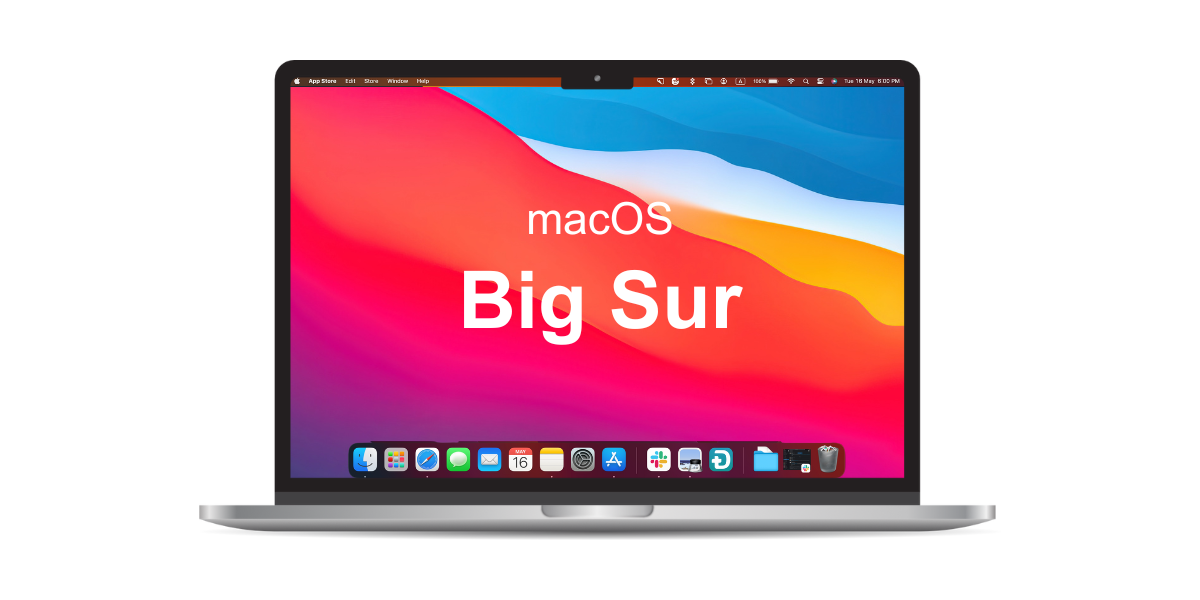
In November 2020, Apple released macOS 11 Big Sur, featuring a redesigned interface, improved notifications, faster performance, and a new Control Center for quick settings access.
The update also enhanced the Messages app for easier communication.
List of Apple Computers Compatible with macOS Big Sur
- MacBook models (early 2015 or later)
- MacBook Air models (2013 or later)
- MacBook Pro models (2013 or later)
- Mac mini models (2014 or later)
- iMac (2014 or later)
- iMac Pro (all models)
- Mac Pro models (2013 and 2019)
8. macOS 10.15 (Catalina) — 2019
❌ Note: The M1-series Macs cannot run Catalina or earlier.

macOS Catalina, released in October 2019, introduced Sidecar, Screen Time, and a revised Photos app. It replaced iTunes with separate Music, TV, and Podcasts apps.
List of Apple Computers Compatible with macOS Catalina
- MacBook (2015 to 2017)
- MacBook Air (mid-2012 to 2019)
- MacBook Pro (mid-2012 to 2019)
- Mac mini (late 2012 to late-2018)
- iMac (late 2012 to 2019)
- iMac Pro (all models)
- Mac Pro models (from 2013)
9. macOS 10.14 (Mojave) — 2018

🏜️ Did You Know: Mojave, named after the Mojave Desert, introduced a Dark Mode inspired by the desert’s night sky.
macOS Mojave, released on September 24, 2018, introduced Dark Mode, Dynamic Desktop, and Stacks.
Mojave also introduced a redesigned Mac App Store, along with enhanced security and improved privacy settings, making it a significant upgrade over High Sierra.
List of Apple Computers Compatible with macOS Mojave
- MacBook (early 2015 to 2017)
- MacBook Air (mid-2012 to 2017)
- MacBook Pro (mid-2012 to 2018)
- Mac mini (late 2012 to late-2018)
- iMac (late 2012 to mid-2017)
- iMac Pro (all models)
- Mac Pro (late 2013, mid-2010, mid-2012 models with metal-capable GPU)
10. macOS 10.13 (High Sierra) — 2017

macOS High Sierra, released on September 25, 2017, introduced the APFS file system and improvements to Photos.
High Sierra also added support for external GPUs and VR headsets, making it a favorite among content creators and gamers.
List of Apple Computers Compatible with macOS High Sierra
- MacBook (late 2009 to 2017)
- MacBook Air (late 2010 to 2017)
- MacBook Pro (mid-2010 to 2017)
- Mac mini (mid-2010 to 2014)
- iMac (late 2009 to mid-2017)
- Mac Pro (mid-2010 and 2013)
11. macOS 10.12 (Sierra) — 2016

macOS Sierra, released on September 20, 2016, introduced Siri integration, Picture-in-Picture mode, and optimized storage to free up disk space. It also improved Continuity for seamless work across Apple devices.
List of Apple Computers Compatible with macOS Sierra
- MacBook (late 2009 to 2017)
- MacBook Air (late 2010 to 2017)
- MacBook Pro (mid-2010 to 2015)
- Mac mini (mid-2010 to 2014)
- iMac (late 2009 to 2015)
- Mac Pro (mid-2010 and 2013)
12. macOS X 10.11 (El Capitán) — 2015
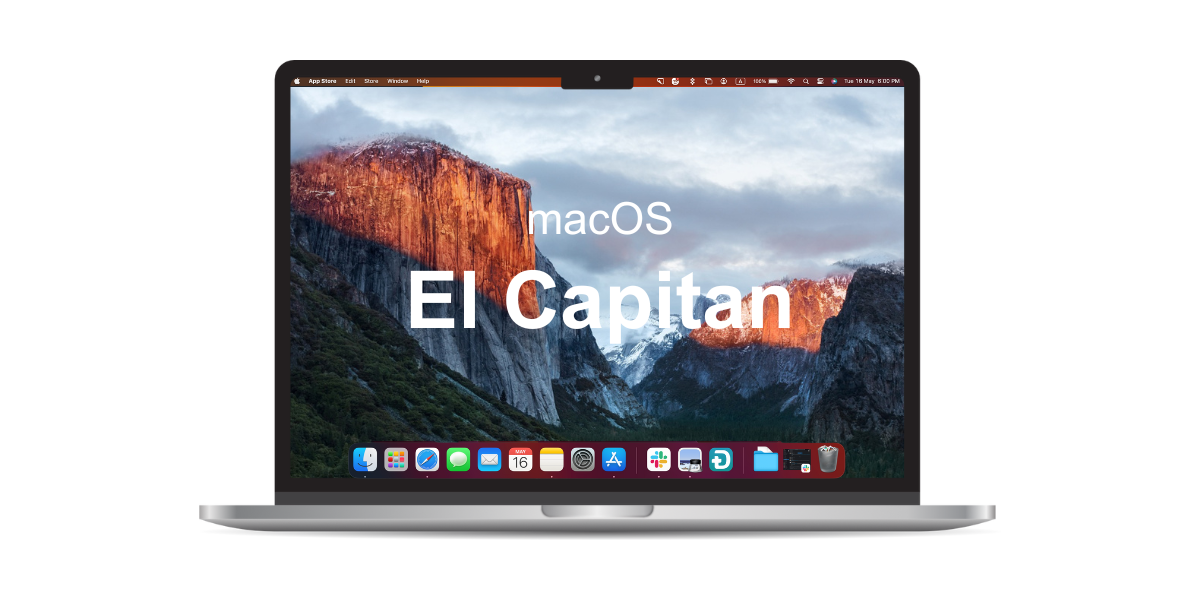
macOS X 10.11, released on September 30, 2015, introduced key features like Split View for multitasking and an improved Spotlight search. It also focused on enhancing performance and security for a more stable user experience.
List of Apple Computers Compatible with macOS El Capitán
- MacBook (early 2015 to 2017)
- MacBook (late 2008 to 2010)
- MacBook Air (late 2008 to early 2015)
- MacBook Pro (mid/late 2007 to early 2015)
- Mac mini (early 2009 to 2014)
- iMac (mid-2007 to mid-2015)
- Mac Pro (2008, 2010, 2013)
13. macOS X 10.10 (Yosemite) — 2014
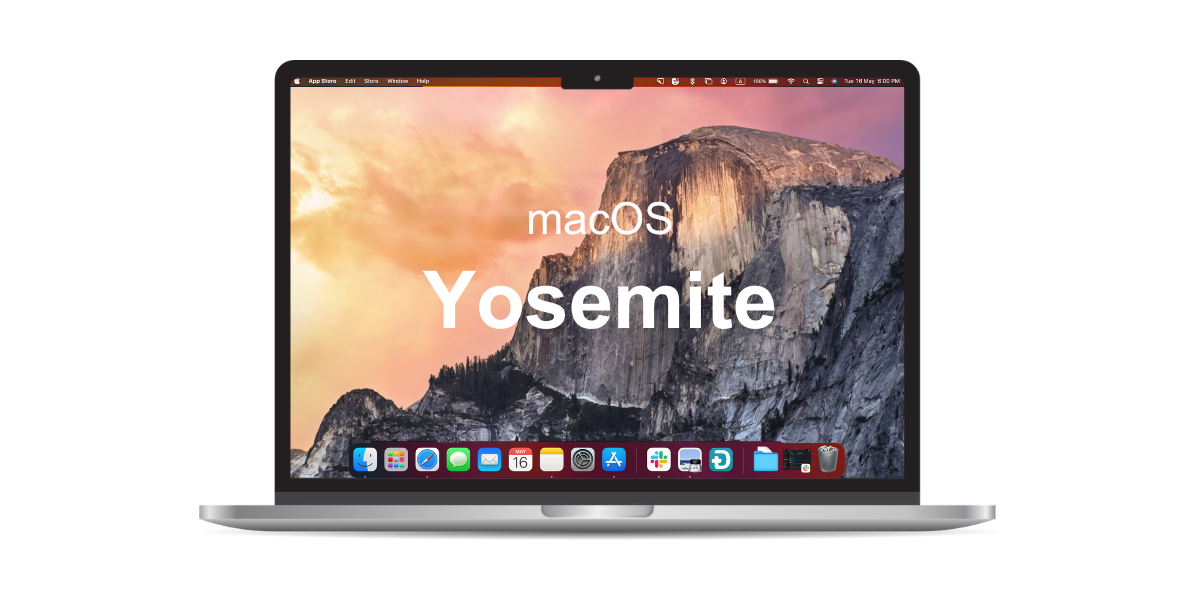
OS X 10.10 Yosemite, released on October 16, 2014, introduced a refreshed interface, enhanced Spotlight search, seamless iOS integration, and the ability to make phone calls from your Mac.
Its standout feature, Continuity, allows seamless transitions between Mac, iPhone, and iPad.
List of Apple Computers Compatible with macOS Yosemite
- MacBook (late 2008 to 2010)
- MacBook Air (late 2008 to mid-2013)
- 13″ MacBook Pro (mid-2009 to mid-2014)
- 15″ MacBook Pro (mid/late 2007 to mid-2014)
- 17″ MacBook Pro (late 2007 to 2011)
- Mac mini (early 2009 to 2012)
- iMac (mid-2007 to mid-2014)
- Mac Pro (2008 and 2010)
14. macOS X 10.9 (Mavericks) — 2013

🌊 Fun Fact: Mavericks marked Apple’s shift from big cat names to California landmarks, introducing a new naming convention.
On October 22, 2013, Apple released OS X 10.9 Mavericks, featuring Finder Tabs and Tags for better file organization, and App Nap, an energy-saving feature that reduces power consumption by pausing inactive apps.
List of Apple Computers Compatible with macOS Mavericks
- MacBook (late 2008 to 2010)
- MacBook Air (late 2008 to mid-2013)
- MacBook Pro (mid-2007 to early 2013)
- Xserve (early 2009)
- Mac mini (early 2009 to 2012)
- iMac (mid-2007 to early 2013)
- Mac Pro (early 2008 and 2010)
15. Mac OS X 10.8 (Mountain Lion) — 2012

🦁 Fun Fact: The first series of macOS codenames, from 2001’s Cheetah to 2012’s Mountain Lion, were all named after big cats.
Mac OS X 10.8 (Mountain Lion), released on July 25, 2012, introduced features like an improved notification center, iCloud integration, a new Messages app, AirPlay Mirroring, Gatekeeper for security.
Mountain Lion also introduced Game Center for cross-platform gaming with iOS users.
List of Apple Computers Compatible with Mac OS Mountain Lion
- MacBook (late 2008 to 2010)
- MacBook Air (late 2008 to mid-2012)
- MacBook Pro (mid/late 2007 to mid-2012)
- Mac mini (early 2009 to 2011)
- iMac (mid-2007 to 2011)
- Mac Pro (early 2008 and 2010)
16. Mac OS X 10.7 (Lion) — 2011

Mac OS X 10.7 Lion, released on July 20, 2011, introduced Mission Control for managing open windows, along with Launchpad for easy app access and a faster Safari.
List of Apple Computers Compatible with Mac OS Lion
- iMac (mid-2007 or newer)
- MacBook (late 2008 Aluminum or early 2009 or newer)
- MacBook Pro (mid/late 2007 or newer)
- MacBook Air (late 2008 or newer)
- Mac Mini (early 2009 or newer)
- Mac Pro (early 2008 or newer)
- Xserve (early 2009)
17. Mac OS X 10.6 (Snow Leopard) — 2009

📣 Did You Know: Snow Leopard was the first OS X version to run exclusively on Intel-based Macs, dropping support for PowerPC Macs.
Mac OS X 10.6 (Snow Leopard), released on August 28, 2009, brought performance and security enhancements, including faster boot times, improved 64-bit support, and a new QuickTime version.
List of Apple Computers Compatible with Mac OS Snow Leopard
- MacBook (late 2006 models and onwards)
- MacBook Pro (mid/late 2007 models and onwards)
- MacBook Air (late 2008 models and onwards)
- iMac (mid-2007 models and onwards)
- Mac Mini (early 2009 models and onwards)
- Mac Pro (early 2008 models and onwards)
- Xserve (early 2009 models)
18. Mac OS X 10.5 (Leopard) — 2007
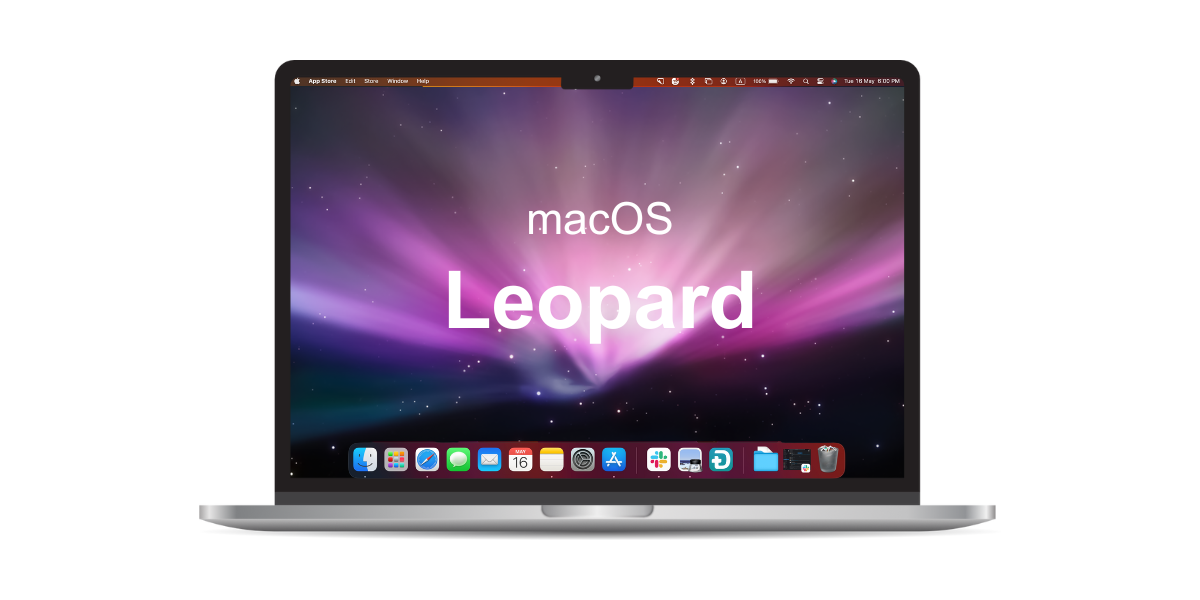
Mac OS X 10.5 (Leopard), released on October 26, 2007, introduced Time Machine for easy file recovery, along with Spaces, Quick Look, and Boot Camp as standout features.
List of Apple Computers Compatible with Mac OS Leopard
- iMac (mid-2006 or newer)
- MacBook (late 2006 Aluminum or early 2009 or newer)
- MacBook Pro (mid/late 2007 or newer)
- MacBook Air (late 2008 or newer)
- Mac Mini (early 2009 or newer)
- Mac Pro (early 2008 or newer)
- Xserve (early 2009)
19. Mac OS X 10.4 (Tiger) — 2005
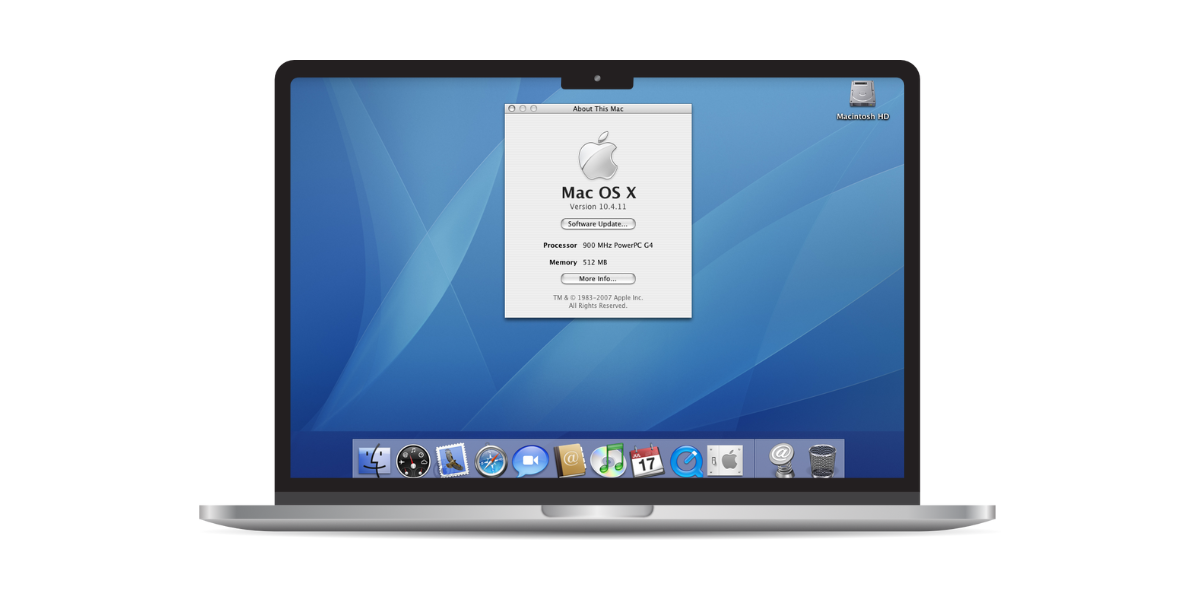
Mac OS X 10.4 (Tiger), released on April 29, 2005, introduced key features like Spotlight search, Dashboard widgets, Automator workflows, and H.264 video codec support for high-quality playback.
Tiger was designed to run on PowerPC and Intel-based Macs.
List of Apple Computers Compatible with Mac OS Tiger
- PowerBook G4
- Power Mac G5
- iMac G5
- Mac Mini G4
- MacBook Pro (early models until late 2006)
- MacBook (early models until November 2006)
- MacBook Air (Original)
- iMac (early models until late 2006)
- Mac Pro (Original)
- Power Mac G4 (FW 800)
- Power Mac G4 (Mirrored Drive Doors)
- Power Mac G4 (Quicksilver)
- Power Mac G4 (Digital Audio)
- Power Mac G4 (AGP Graphics)
- Power Mac G4 (Gigabit Ethernet)
- Power Mac G4 Cube
- iMac (Slot Loading): iMac (Summer 2000), iMac (Early 2001), iMac (Summer 2001)
- iMac (Flat Panel): iMac (Early 2002), iMac (Summer 2002), iMac (17-inch 1GHz), iMac (USB 2.0), iMac (Early 2003), iMac (17-inch 1.25GHz)
- eMac: eMac (2002), eMac (ATI Graphics), eMac (USB 2.0), eMac (2003), eMac (2004), eMac (USB 2.0)
- iBook: iBook (Dual USB), iBook (late 2001), iBook (14.1 LCD), iBook (16 VRAM), iBook (14.1 LCD 16 VRAM), iBook (32 VRAM), iBook (14.1 LCD 32 VRAM), iBook (early 2002), iBook (late 2002), iBook (early 2003), iBook (14-inch early 2003), iBook (14-inch Opaque 16 VRAM), iBook (32 VRAM), iBook (early 2004), iBook G4, iBook G4 (early 2004), iBook G4 (14-inch early 2004), iBook G4 (mid-2005)
20. Mac OS X 10.3 (Panther) — 2003
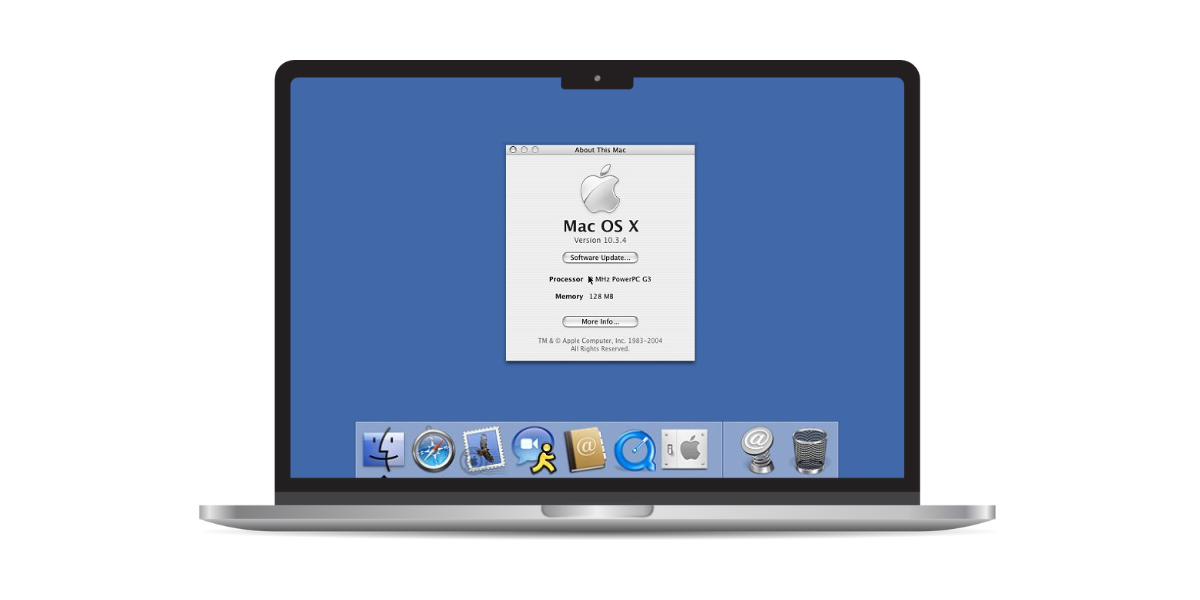
Mac OS X 10.3 (Panther), released in 2003, introduced a redesigned Finder, Exposé, iChat AV, Safari, FileVault, and improved performance with Bluetooth and Wi-Fi support.
Panther marked Mac OS X’s transition to a more stable, UNIX-based foundation.
List of Apple Computers Compatible with Mac OS Panther
- iMac (Slot Loading): iMac (Summer 2000), iMac (early 2001), iMac (Summer 2001)
- iMac (Flat Panel): iMac (early 2002), iMac (Summer 2002), iMac (17-inch 1GHz), iMac (USB 2.0), iMac (early 2003), iMac (17-inch 1.25GHz)
- eMac: eMac (2002), eMac (ATI Graphics), eMac (USB 2.0), eMac (2003)
- Power Macintosh G4 (AGP Graphics)
- Power Mac G4 (Gigabit Ethernet)
- Power Mac G4 (Digital Audio)
- Power Mac G4 Cube
- iBook (Dual USB)
- iBook (Late 2001)
- iBook (14.1 LCD)
- iBook (16 VRAM)
- iBook (14.1 LCD 16 VRAM)
- iBook (32 VRAM)
- iBook (14.1 LCD 32 VRAM)
- iBook (early 2002), iBook (late 2002), iBook (early 2003), iBook (14-inch early 2003)
- PowerBook G4 (Titanium)
- PowerBook G4 (Gigabit Ethernet)
- PowerBook G4 (DVI)
- PowerBook G4 (Titanium w/ Gigabit Ethernet)
- PowerBook G4 (1GHz/867 MHz), PowerBook G4 (DVI), PowerBook G4 (12-inch), PowerBook G4 (17-inch), PowerBook G4 (15-inch FW800)
- Power Mac G4 (Quicksilver), Power Mac G4 (Quicksilver 2002), Power Mac G4 (Mirrored Drive Doors), Power Mac G4 (FW 800)
21. Mac OS X 10.2 (Jaguar) — 2002
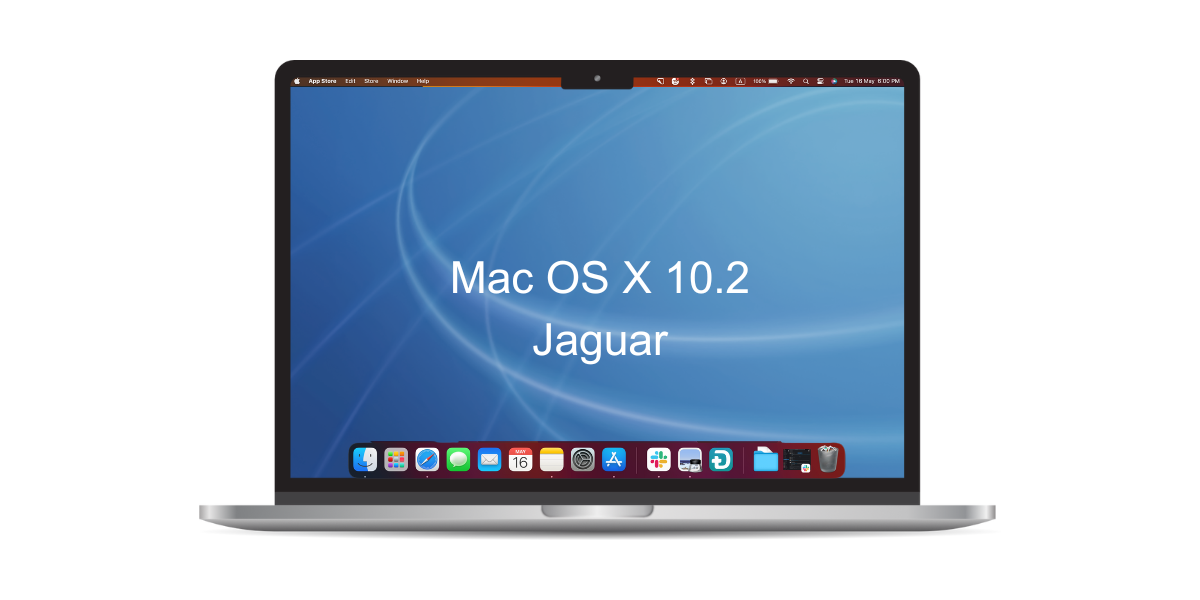
📢 Fun Fact: Jaguar was the first macOS version to use a codename in marketing materials.
Mac OS X 10.2 (Jaguar), released on August 24, 2002, featured a new brushed metal interface, CD/DVD burning from the Finder, improved performance, and support for Microsoft Exchange integration.
List of Apple Computers Compatible with Mac OS Jaguar
- iMac (Slot Loading): iMac (Summer 2000), iMac (early 2001), iMac (Summer 2001)
- iMac (Flat Panel): iMac (early 2002), iMac (Summer 2002), iMac (17-inch 1GHz), iMac (USB 2.0)
- eMac: eMac (2002), eMac (ATI Graphics), eMac (USB 2.0)
- Power Macintosh G3 (Blue and White)
- Power Mac G4 (PCI Graphics)
- Power Mac G4 (AGP Graphics)
- Power Mac G4 (Gigabit Ethernet)
- Power Mac G4 (Digital Audio)
- Power Mac G4 (Quicksilver), Power Mac G4 (Quicksilver 2002), Power Mac G4 (Mirrored Drive Doors)
- Power Mac G4 Cube
- iBook (FireWire)
- iBook (Dual USB)
- iBook (Late 2001)
- iBook (14.1 LCD)
- iBook (16 VRAM)
- iBook (14.1 LCD 16 VRAM)
- iBook (32 VRAM)
- iBook (14.1 LCD 32 VRAM)
- iBook (Early 2002), iBook (Late 2002)
- PowerBook G3 (FireWire)
- PowerBook G4 (Titanium)
- PowerBook G4 (Gigabit Ethernet)
- PowerBook G4 (DVI)
- PowerBook G4 (Titanium w/ Gigabit Ethernet)
- PowerBook G4 (1GHz/867 MHz)
22. Mac OS X 10.1 (Puma) — September 2001
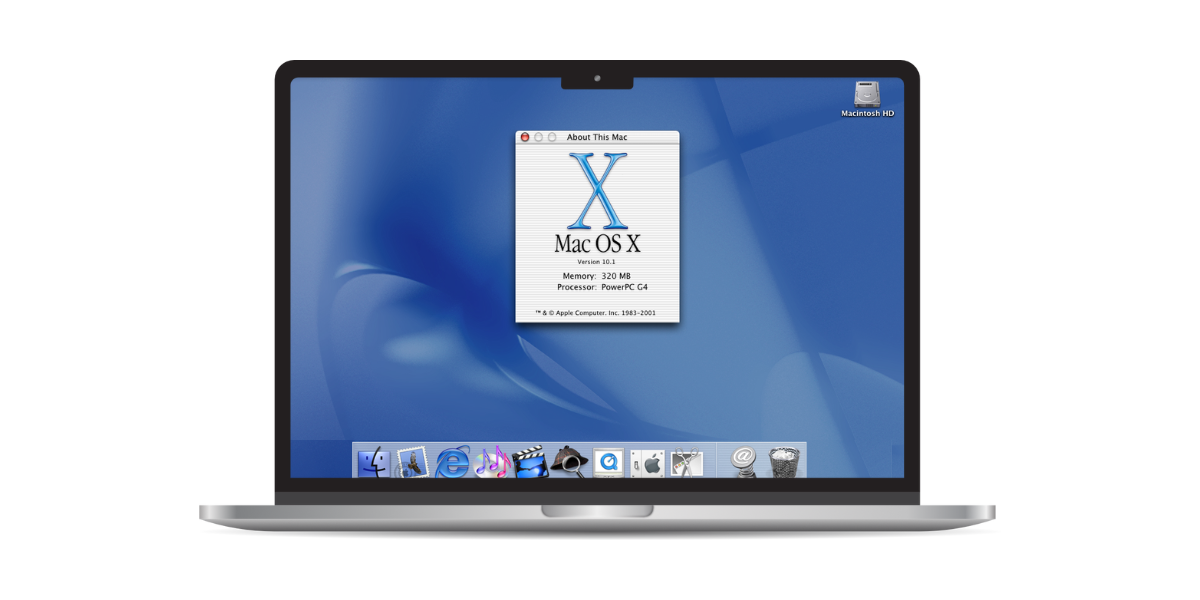
Apple quickly released Mac OS X 10.1 (Puma) on September 25, 2001, to address performance issues in Cheetah. Puma introduced CD burning, a new Mail app, customizable Dock, and DVD playback support.
List of Apple Computers Compatible with Mac OS Puma
- iMac (Slot Loading): iMac (Summer 2000), iMac (early 2001), iMac (Summer 2001)
- iMac (Flat Panel): iMac (early 2002), iMac (Summer 2002)
- eMac: eMac (2002), eMac (ATI Graphics)
- Power Macintosh G3 (Blue and White)
- Power Mac G4 (PCI Graphics)
- Power Mac G4 (AGP Graphics)
- Power Mac G4 (Gigabit Ethernet)
- Power Mac G4 (Digital Audio)
- Power Mac G4 (Quicksilver), Power Mac G4 (Quicksilver 2002)
- Power Mac G4 Cube
- iBook (FireWire)
- iBook (Dual USB)
- iBook (Late 2001)
- iBook (14.1 LCD)
- iBook (16 VRAM)
- iBook (14.1 LCD 16 VRAM)
- iBook (32 VRAM)
- iBook (14.1 LCD 32 VRAM)
- PowerBook G3 (FireWire)
- PowerBook G4 (Titanium)
- PowerBook G4 (Gigabit Ethernet)
- PowerBook G4 (DVI)
23. Mac OS X 10.0 (Cheetah) — March 2001
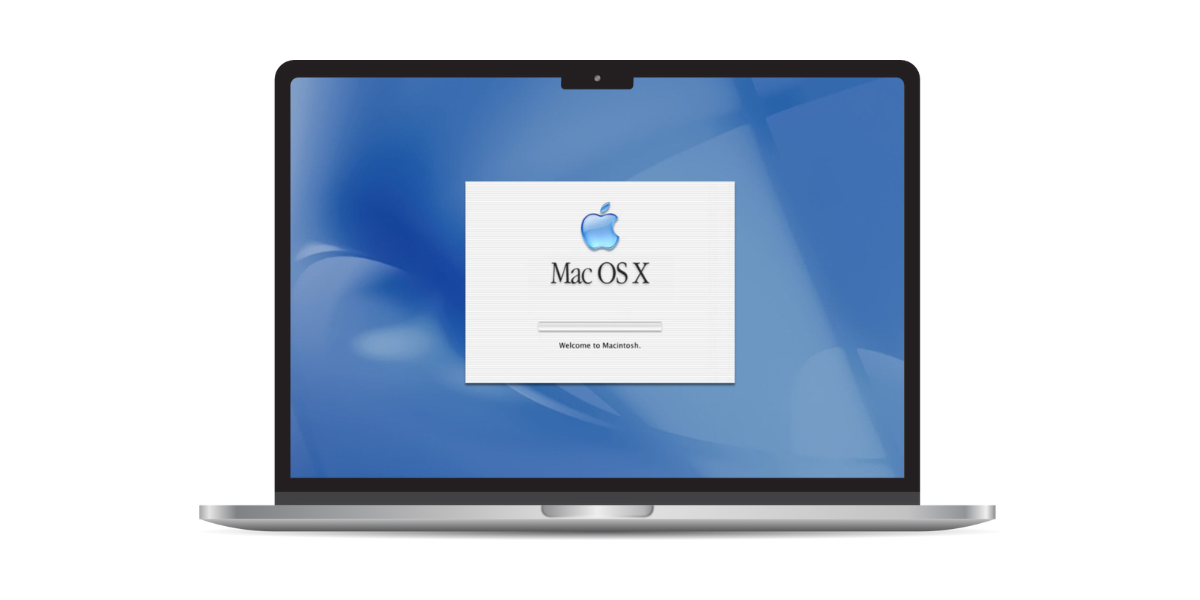
🐯 Fun Fact: Mac OS X 10.0 was codenamed Cheetah because it was designed to be fast and sleek, much like the fastest land animal.
Mac OS X 10.0 (Cheetah), released in 2001, was Apple’s first Mac OS X version. It featured a new user interface, advanced graphics, improved networking, and a modern file system.
It replaced Mac OS 9 to offer a more stable and powerful operating system.
List of Apple Computers Compatible with Mac OS Cheetah
- iMac (Slot Loading): iMac (Summer 2000), iMac (early 2001), iMac (Summer 2001)
- iMac (Flat Panel): iMac (early 2002)
- eMac: eMac (2002)
- Power Macintosh G3 (Blue and White)
- Power Mac G4 (PCI Graphics)
- Power Mac G4 (AGP Graphics)
- Power Mac G4 (Gigabit Ethernet)
- Power Mac G4 (Digital Audio)
- Power Mac G4 (Quicksilver)
- Power Mac G4 Cube
- iBook (FireWire)
- iBook (Dual USB)
- iBook (Late 2001)
- PowerBook G3 (FireWire)
- PowerBook G4 (Titanium)
Find the Right macOS Version For Your Mac
This macOS compatibility checker helps you track how macOS has evolved to meet user needs. Here are a few more tips to keep your system up to date:
- Install compatible macOS updates to receive the security and bug fixes Apple provides.
- Keep your apps updated for the fixes and compatibility improvements available from their developers.
- If crashes or freezes continue, start with targeted troubleshooting for your symptoms. Back up important files before considering Recovery or reinstallation.
Frequently Asked Questions
Where do I check for macOS updates?
Apple publishes major macOS versions and smaller updates over time.
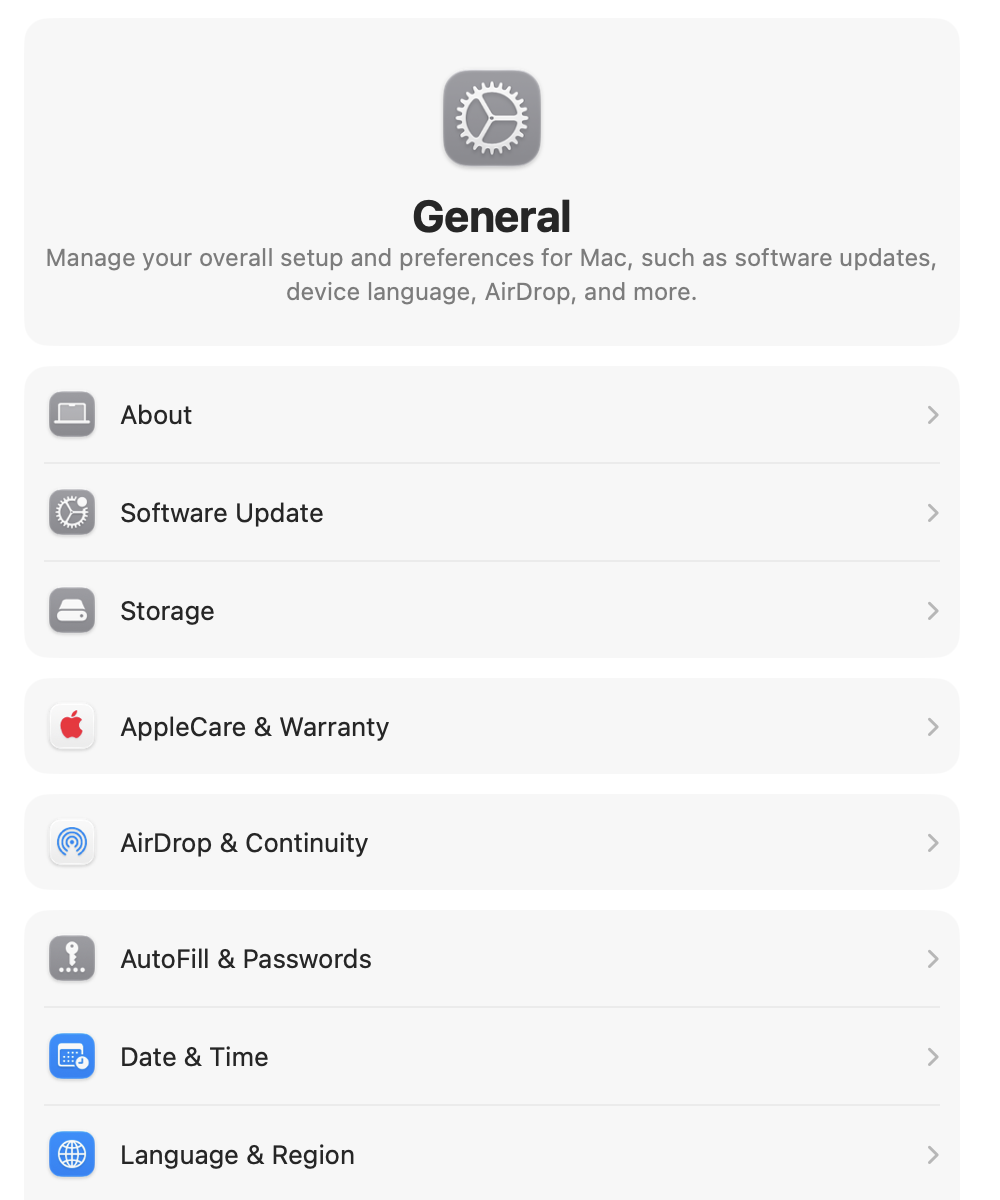
To see which update your Mac can install, open System Settings > General > Software Update. Availability depends on your Mac model and installed version.
What should I do if I experience issues after updating macOS?
Restart your Mac and check System Settings > General > Software Update for another update.
If the issue continues, read our guide to a slow Mac after an update or contact Apple Support.
What if my Mac is not compatible with the latest macOS?
Use About This Mac to identify your model and installed macOS, then compare it with Apple’s current compatibility list.
You can keep using the macOS version already installed, but check Apple’s security releases to see whether it still receives updates.
Affiliate disclosure: MacBook Journal may earn a commission when you buy through links on this page, at no extra cost to you.
How helpful was this article?
Your feedback helps us improve our guides.